How WareX Works, End to End.
From setting up your routes to the monthly commission report — this guide walks through the full WareX workflow in 10 steps.
Everyone Gets Exactly the Access They Need.
The Admin creates accounts from User Management. Each role sees a different WareX — reps can bill, workers can look but not touch, customers see only their own records.
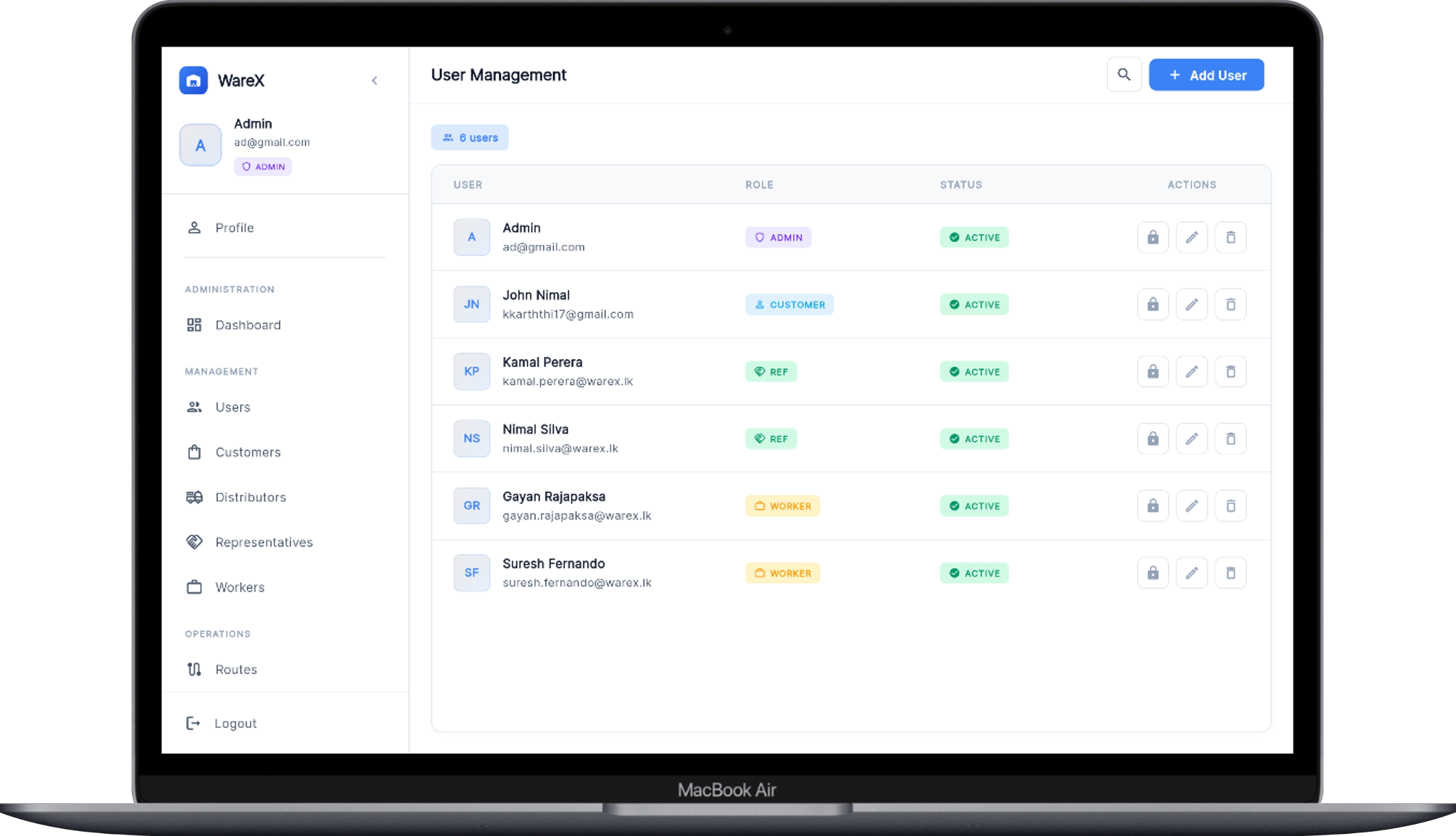
Draw Your Routes. Add Your Shops.
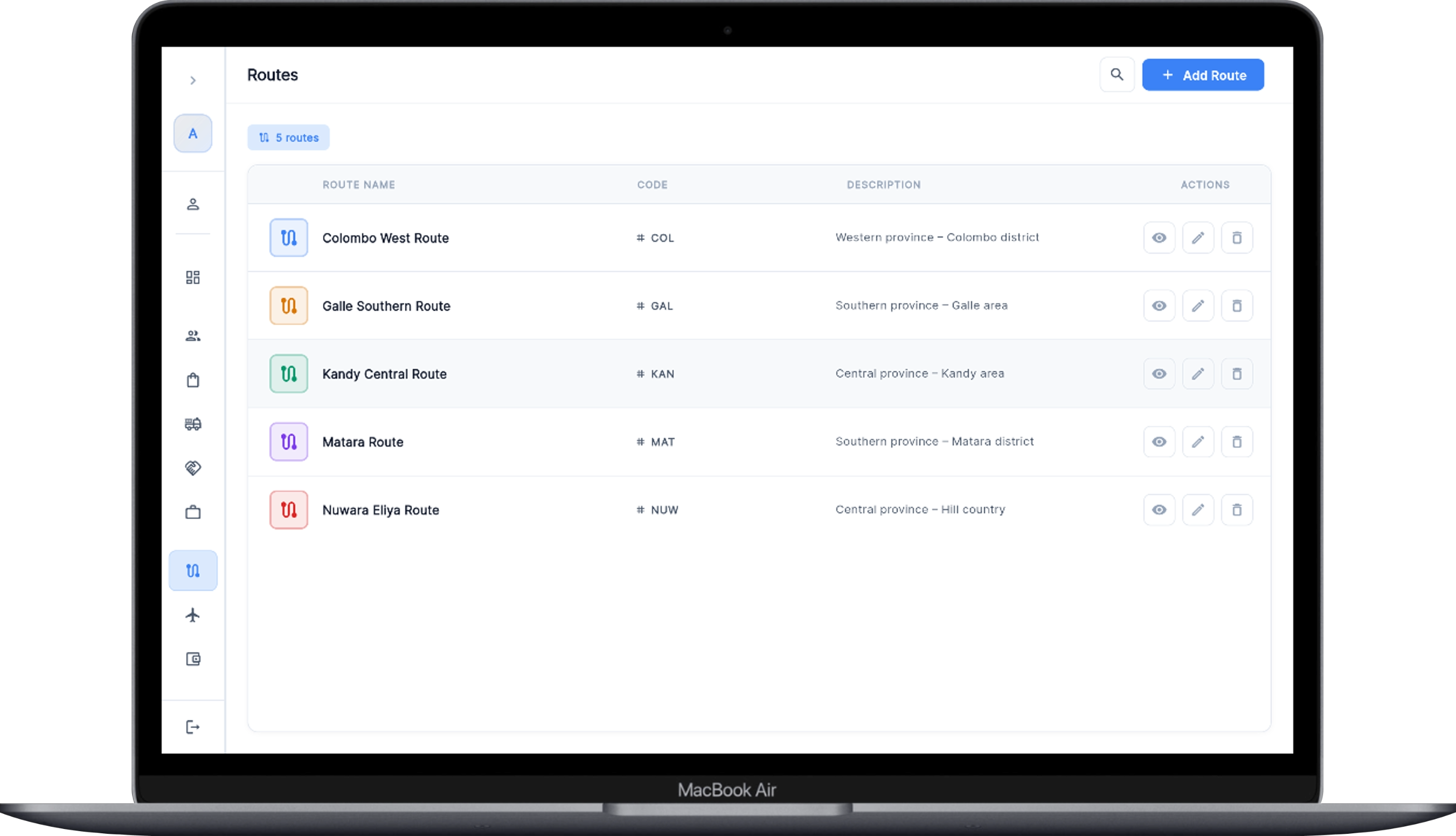
Create routes with short codes (COL, GAL, KAN…) and assign every customer shop to one. Each customer gets a unique credit limit set by the Admin — a maximum bill amount the system will enforce later. Bill numbers even carry the route code, so JUL-GAL-0001 tells you the month and route at a glance.
Order from Distributors. Stock Arrives as Batches.
Raise a purchase order to a distributor — items, quantities and free issues. When the order is delivered and cleared, the goods land in your warehouse as batches: each batch keeps its own stock count, MRP, selling price and allowed price range. Reps always bill from a specific batch, so stock levels stay accurate to the piece and old batches sell first.
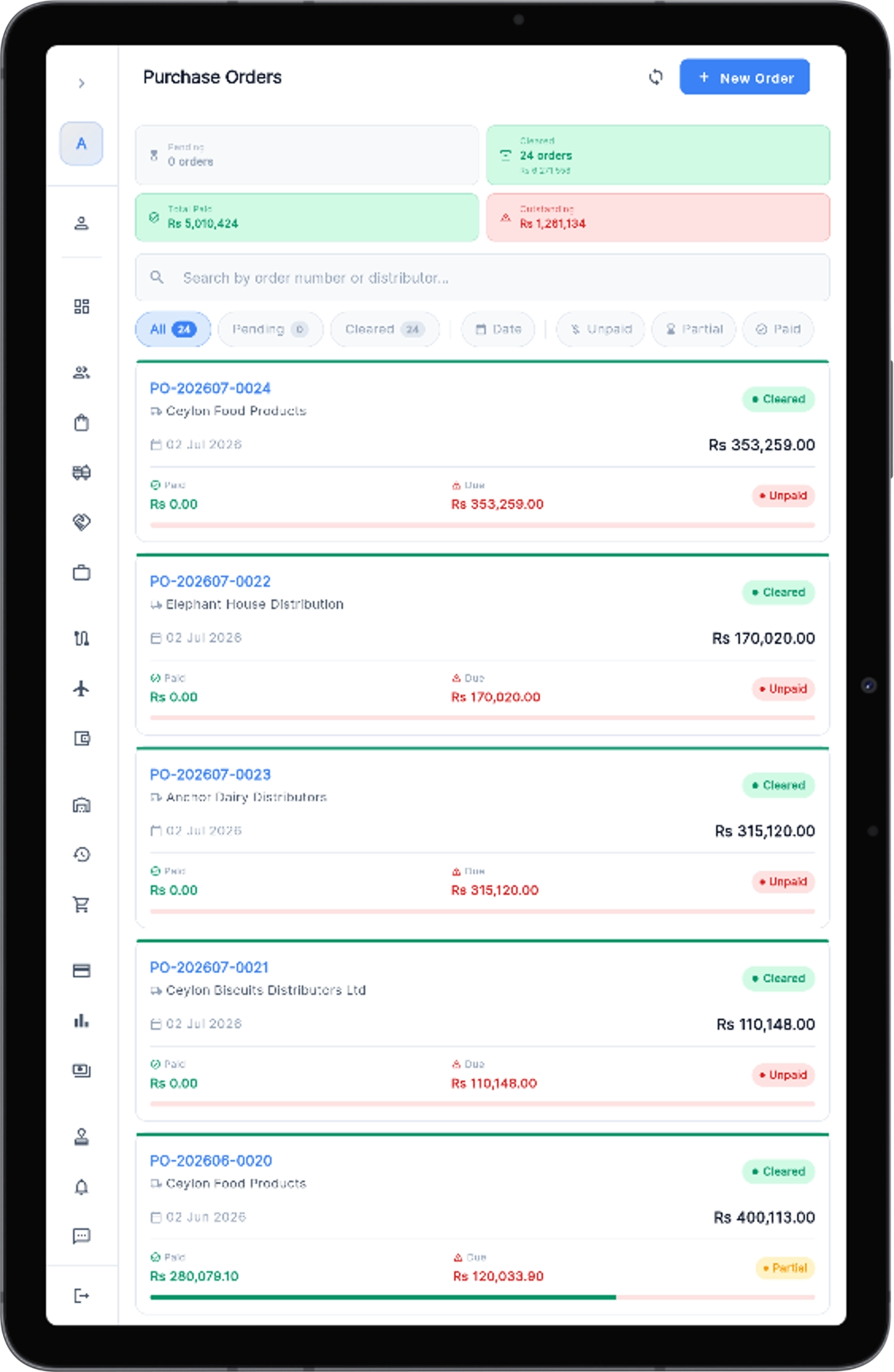 Purchase orders — unpaid / partial / paid at a glance
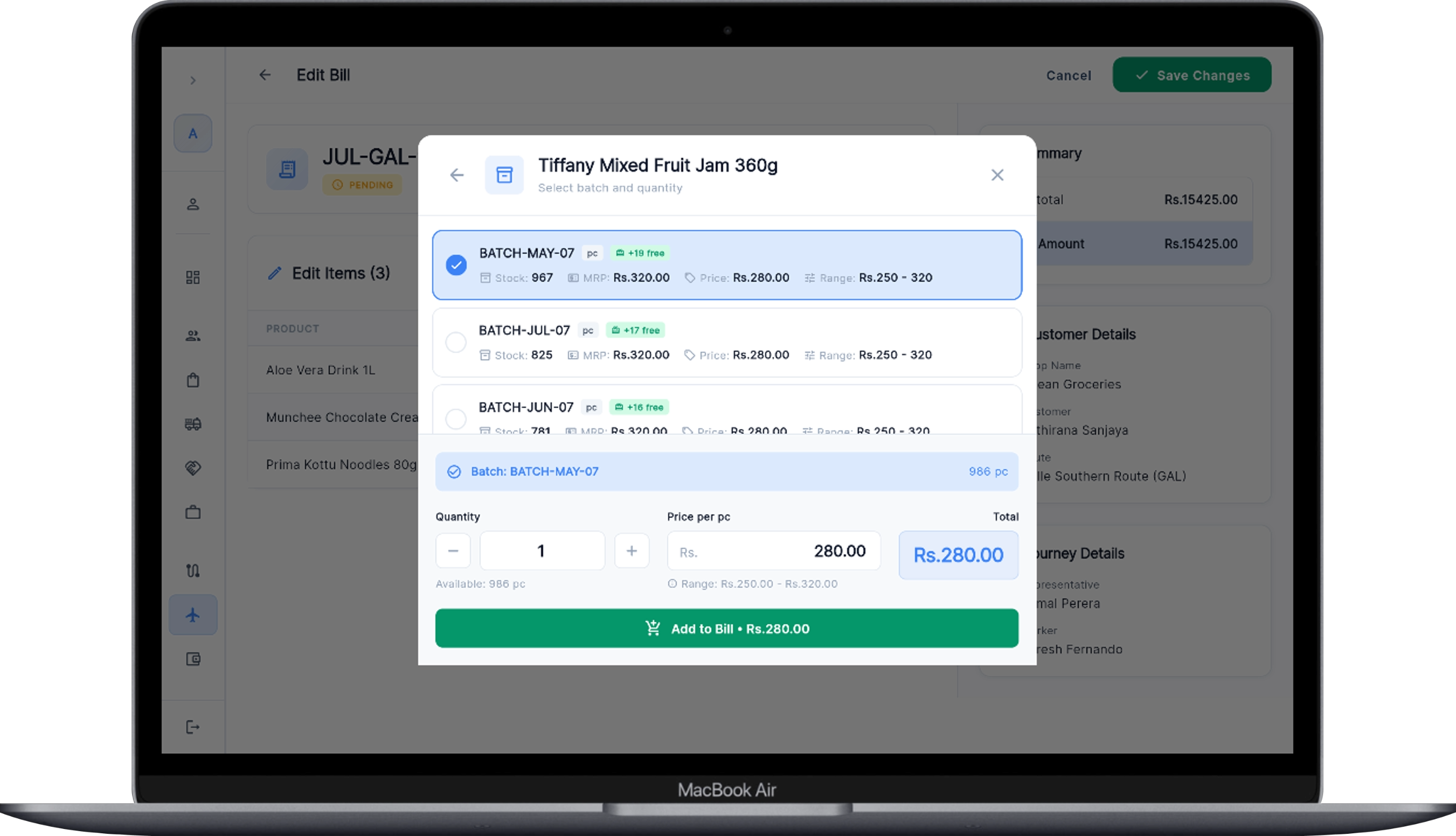 Every product tracked batch-by-batch with live stock and price ranges
The Ref Starts a Journey and Bills Shop by Shop.
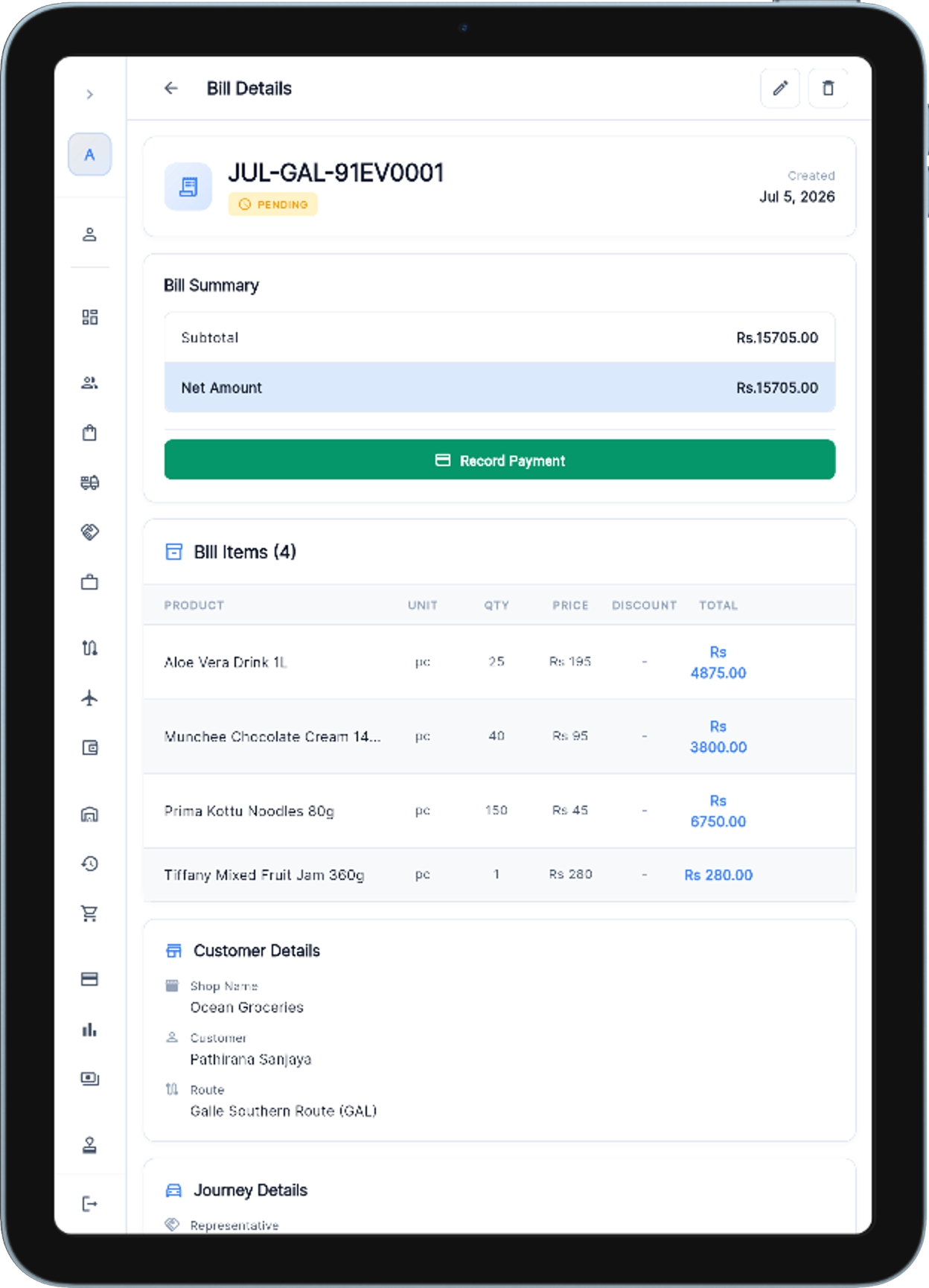
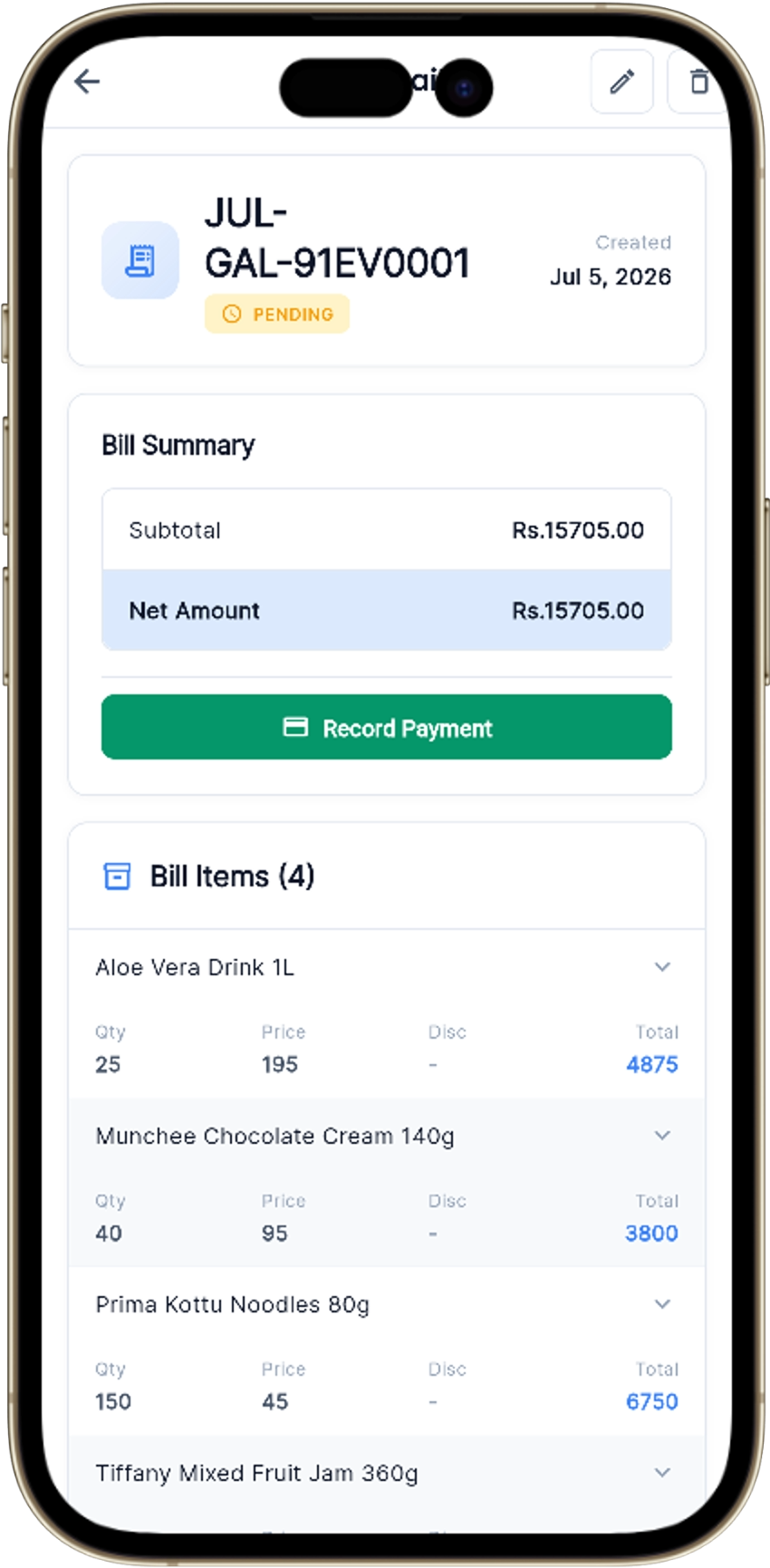
A journey ties together a route, a rep and a worker for the day. At each shop the rep builds the bill — picking the batch, quantity and price (within the allowed range) — then marks it delivered. Every bill records its journey, so you can trace any sale back to who sold it, where, and from which stock.
The System Protects Your Credit — Automatically.
WareX blocks a new bill when a customer crosses the rules the Admin sets: their unique max bill amount, too many unpaid bills, or no payment within the set number of days. If a rep genuinely needs to go over, they send an approval request — the Admin approves or declines it from the Approval Requests screen, with the excess amount shown clearly.
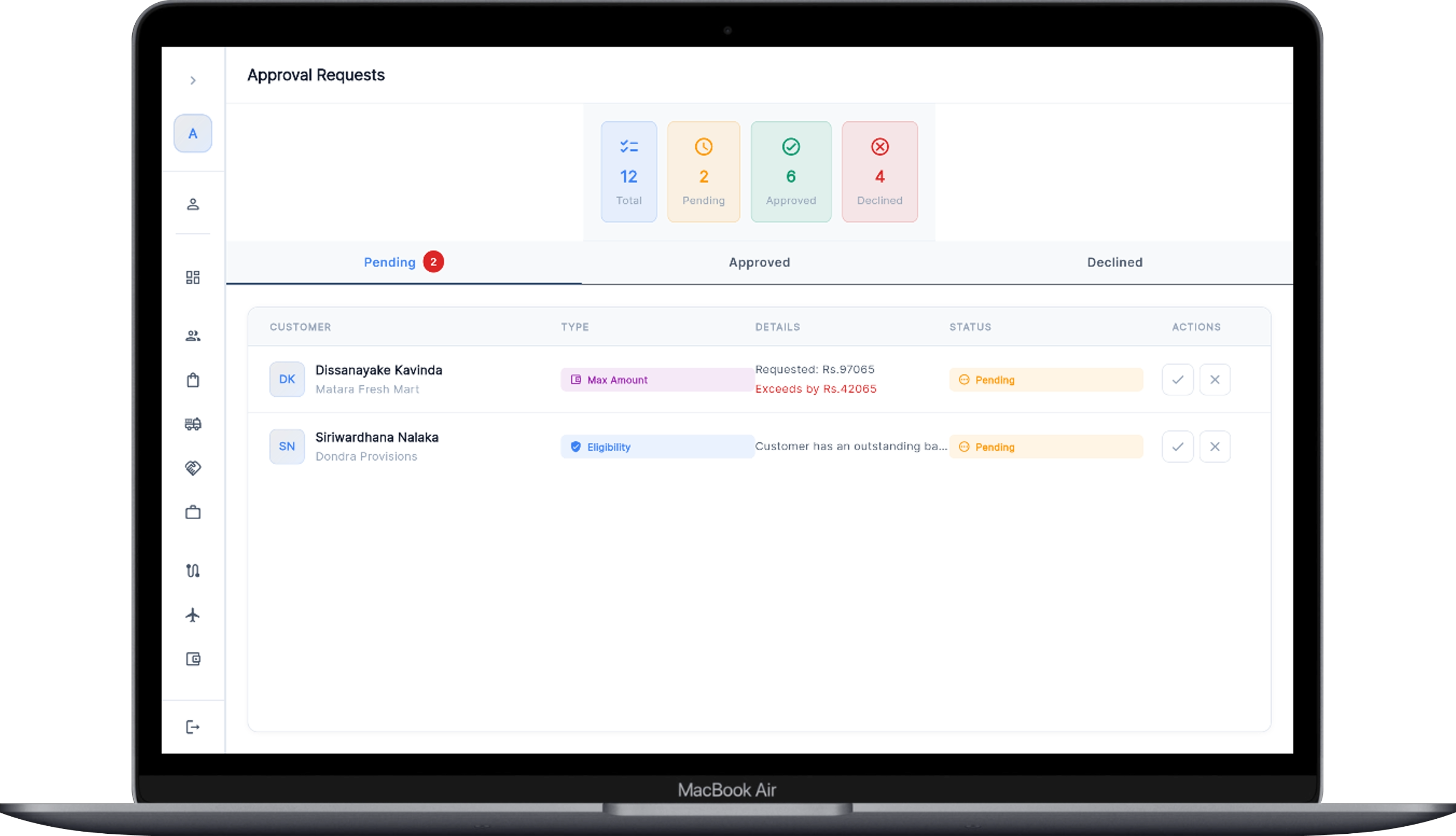 Rep requests over-limit bills — Admin approves or declines
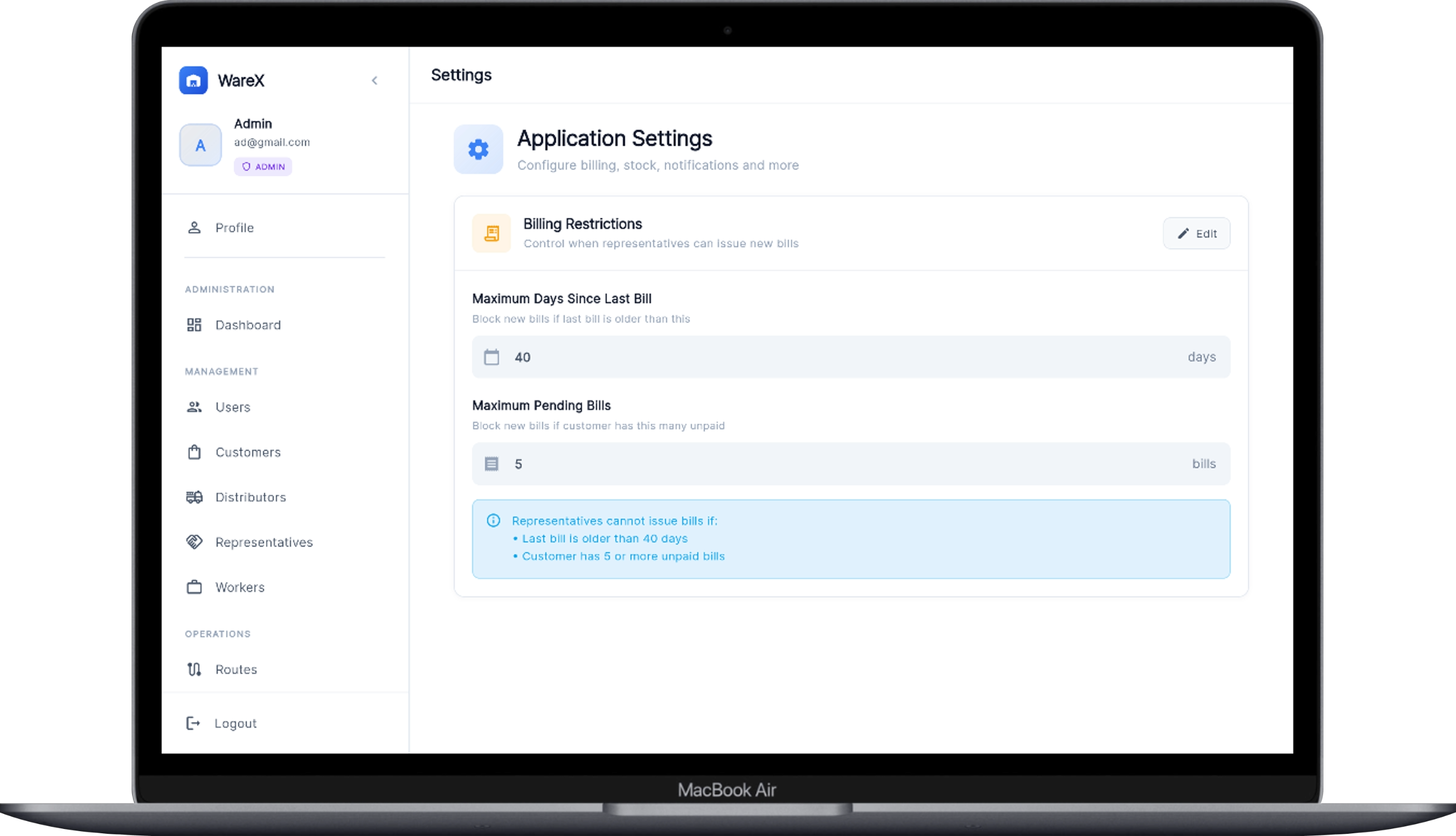 Admin sets the rules once — WareX enforces them on every bill
Good Returns Go Back to Stock. Bad Ones Don't.
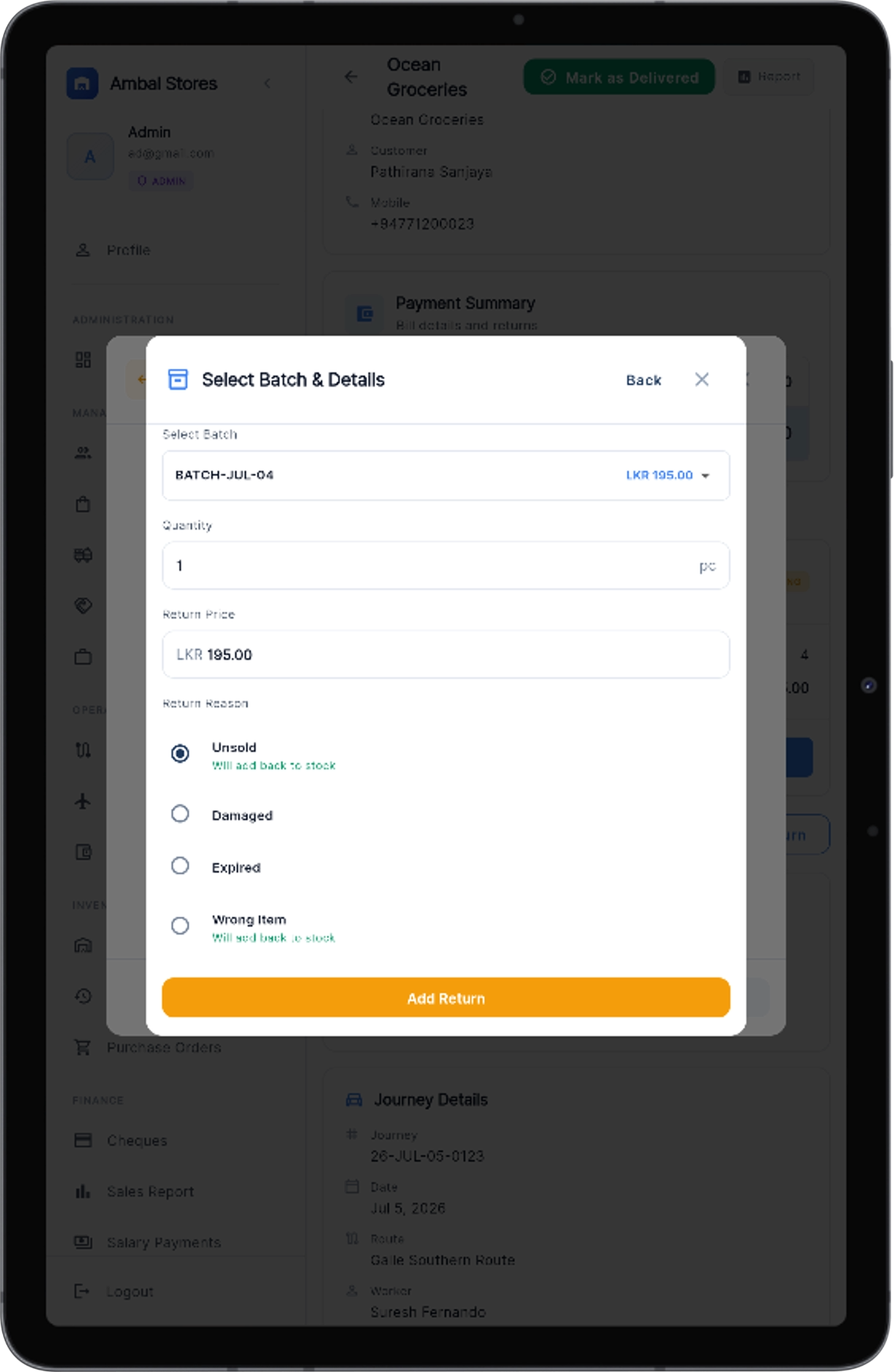
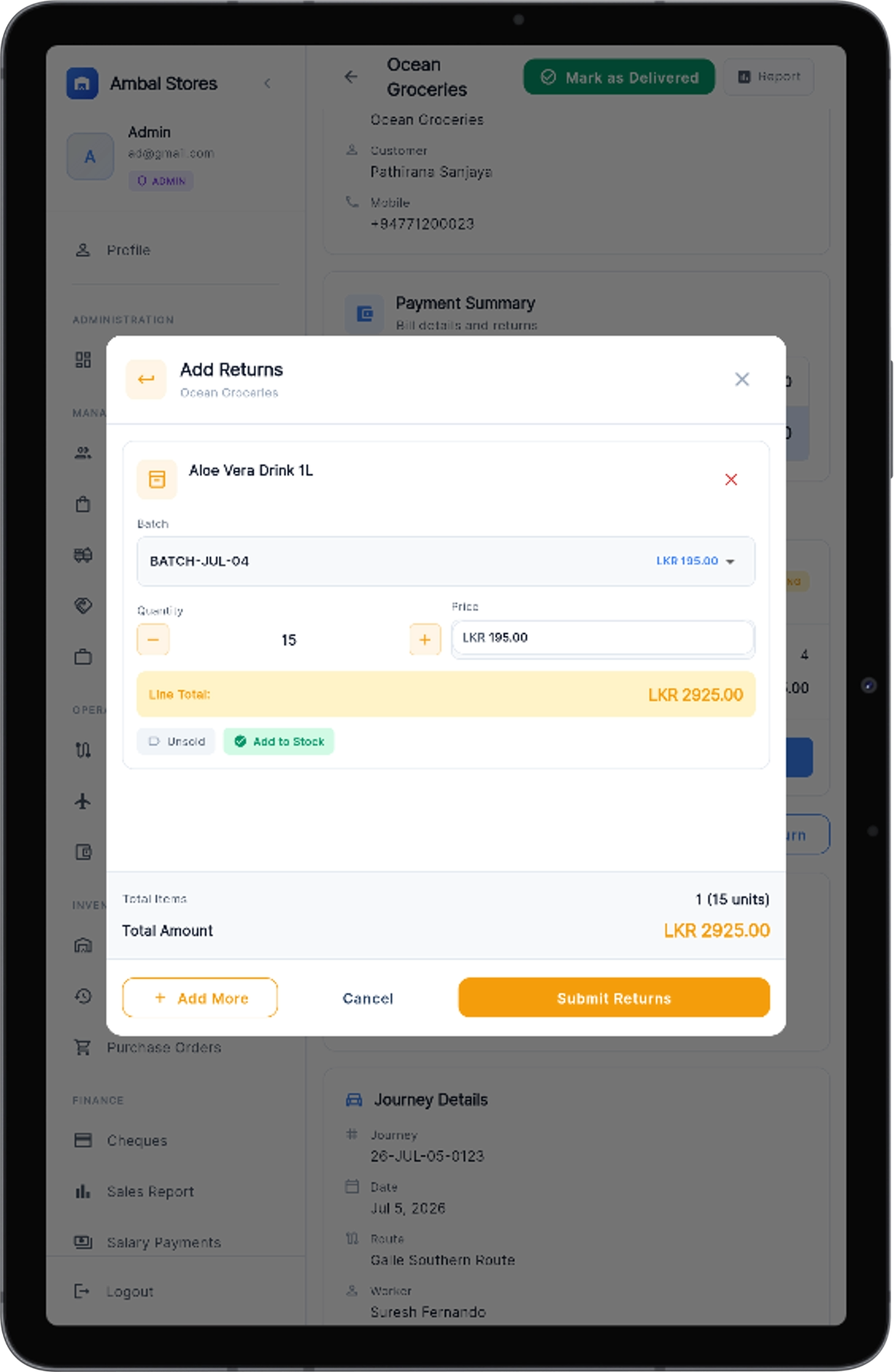
Add returns against any bill and pick the reason. Unsold and wrong item returns are added back to the batch's stock automatically; damaged and expired are written off. The bill's balance adjusts instantly, and the stock report tracks good vs. bad returns separately.
Cheques Are Linked to Payments — So Tracking Is Easy.
Record customer payments as cash, online or cheque — and distributor payments the same way. A cheque is never a loose record: it's tied to its payment and its bill. Capture the front and back with the camera and the images upload to the server for safe keeping. Filter by pending, cleared or bounced; when a cheque clears, the linked bill settles with it.
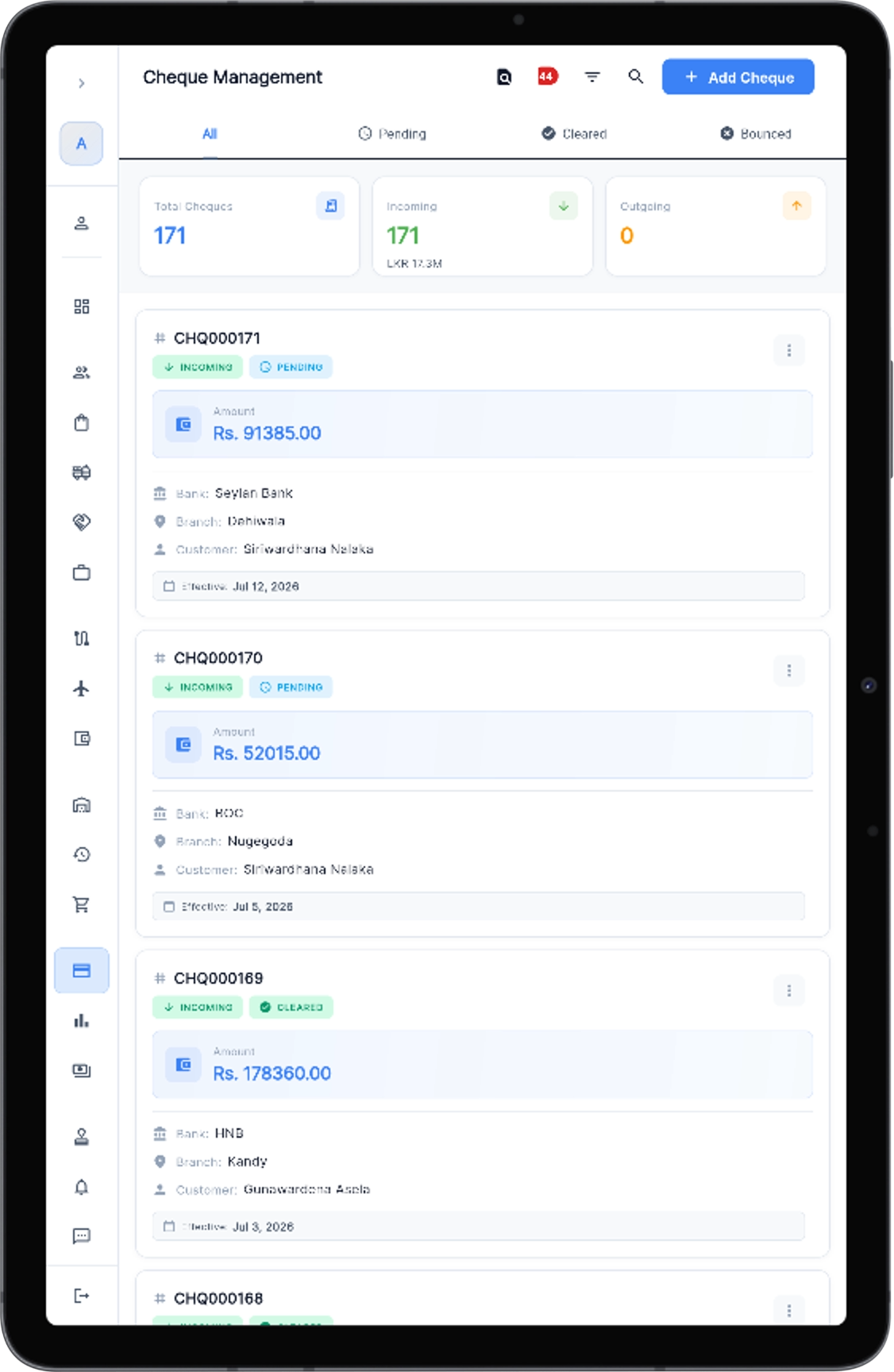 Pending / cleared / bounced with effective dates
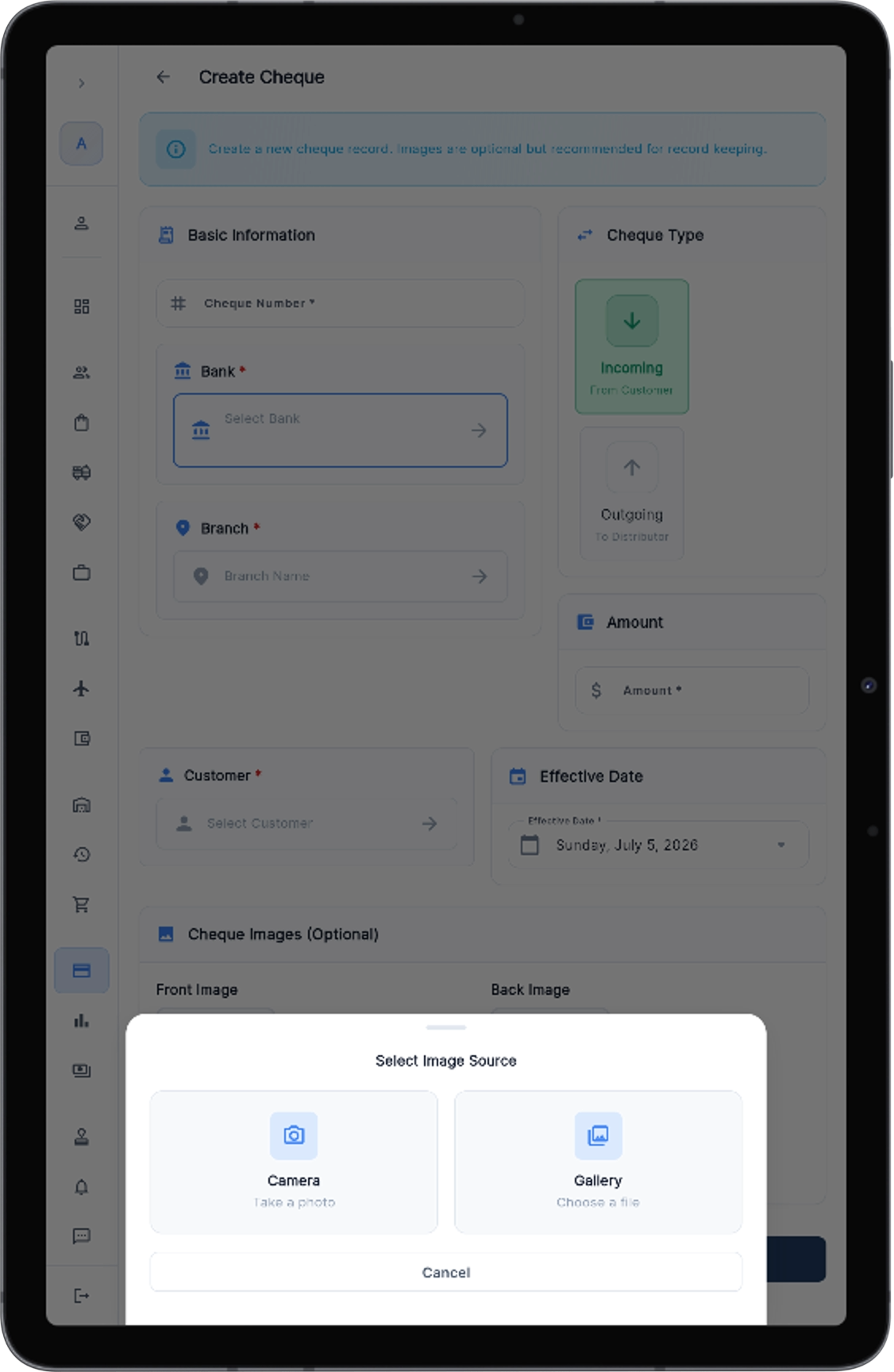 Snap cheque photos — stored on the server with the record
Commission Is Calculated the Moment a Bill Is Delivered.
No month-end spreadsheet maths. Every delivered bill automatically adds sales commission for the rep — purchase commissions are tracked too — and the rep watches their total grow in real time from their own account. At month end, salary and commission are paid and recorded together, with full payment history.
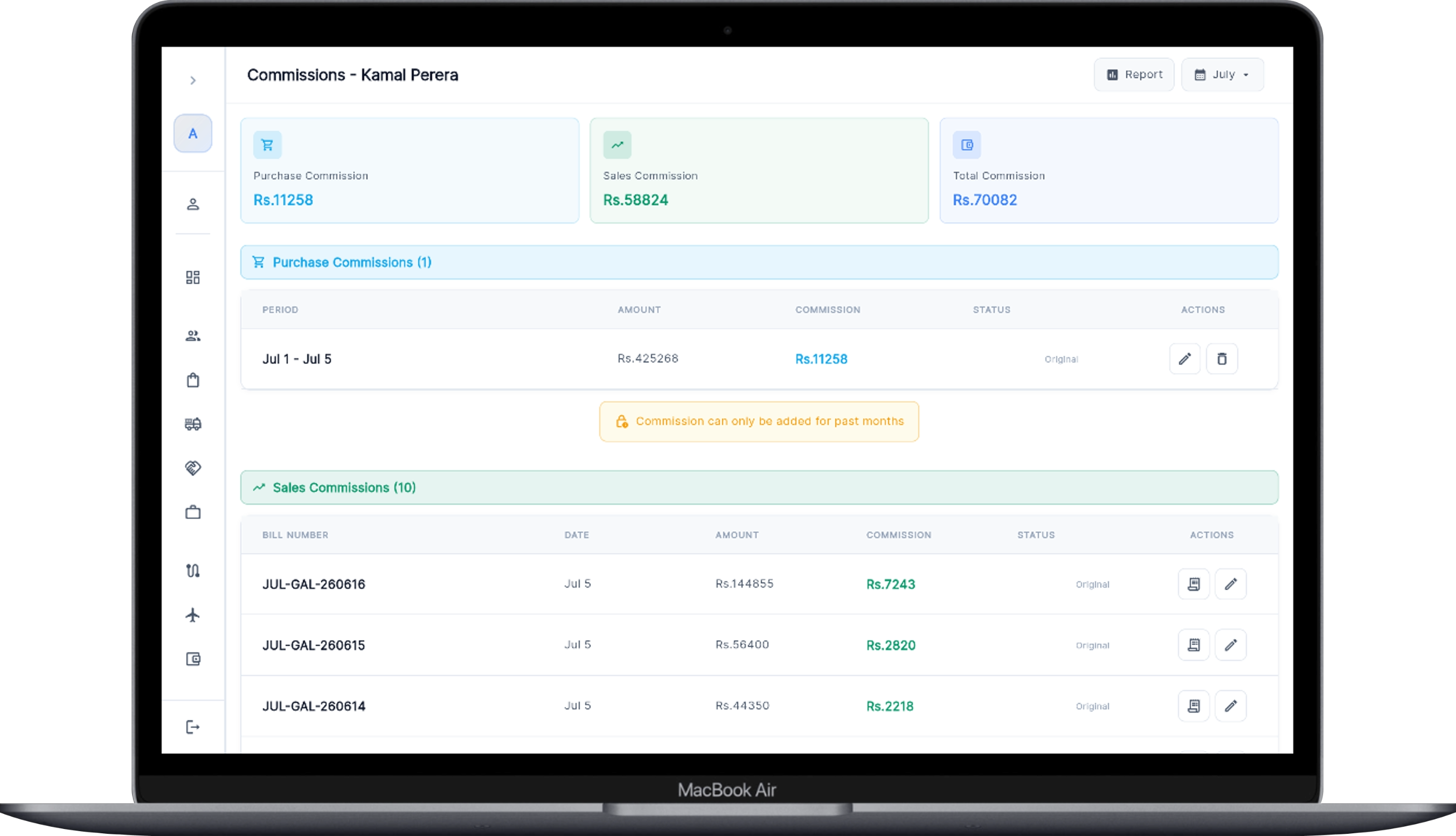 Bill-by-bill commission, live — visible to the rep
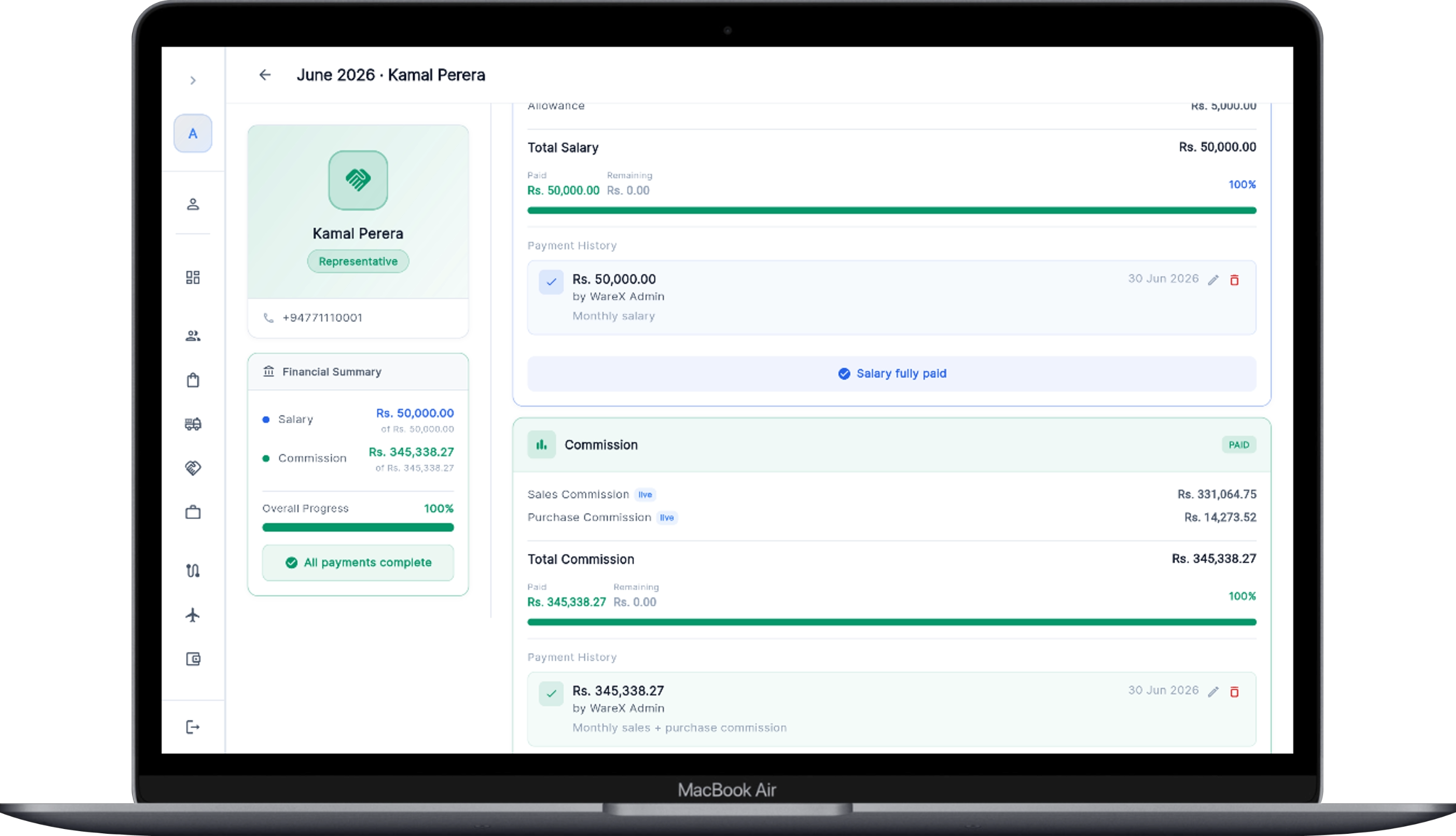 Salary + commission settled and logged each month
Outstanding Balances Chase Themselves.
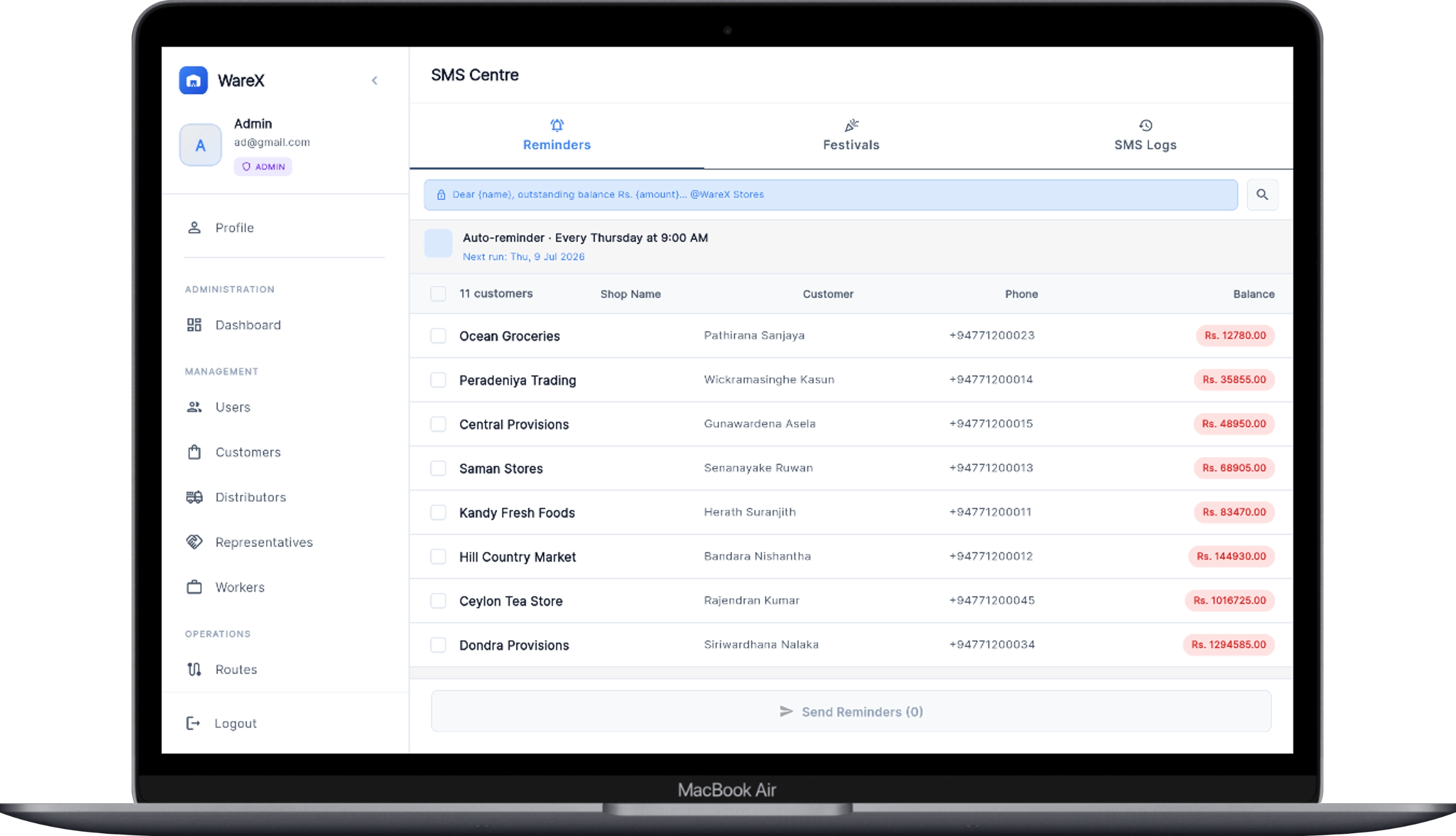
Set the schedule once — for example every Thursday at 9 AM — and WareX texts every customer with an outstanding balance. Send festival greetings under your brand name, and check the log for every message ever sent.
Every Angle of the Business, One Report Away.
Monthly sales reports roll up gross sales, discounts, returns and collection progress. Slice them journey-wise or route-wise, pull each rep's commission report, and export the documents you hand over — bills and purchase orders — as PDFs.
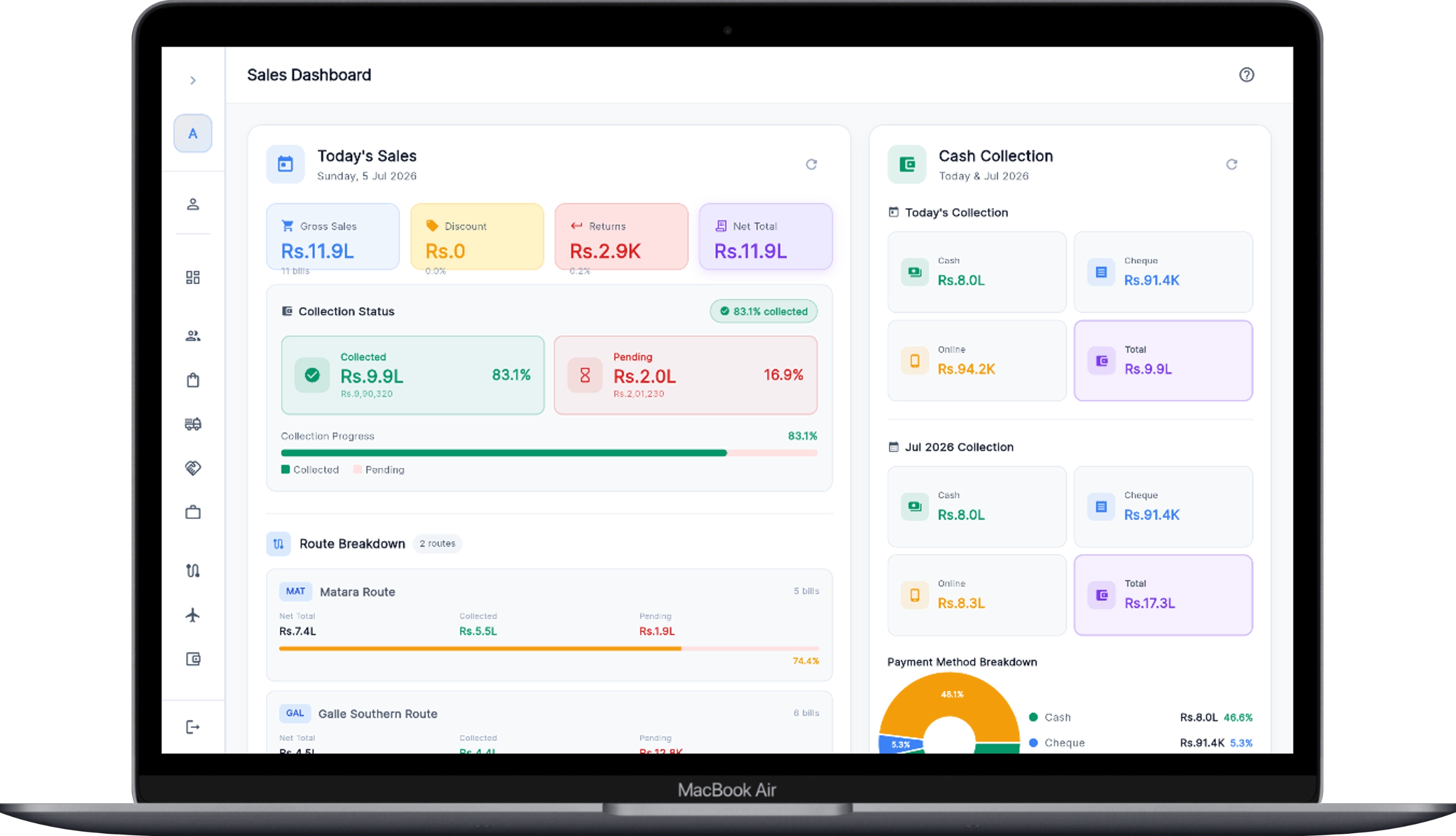 Sales dashboard — collection status and route breakdown
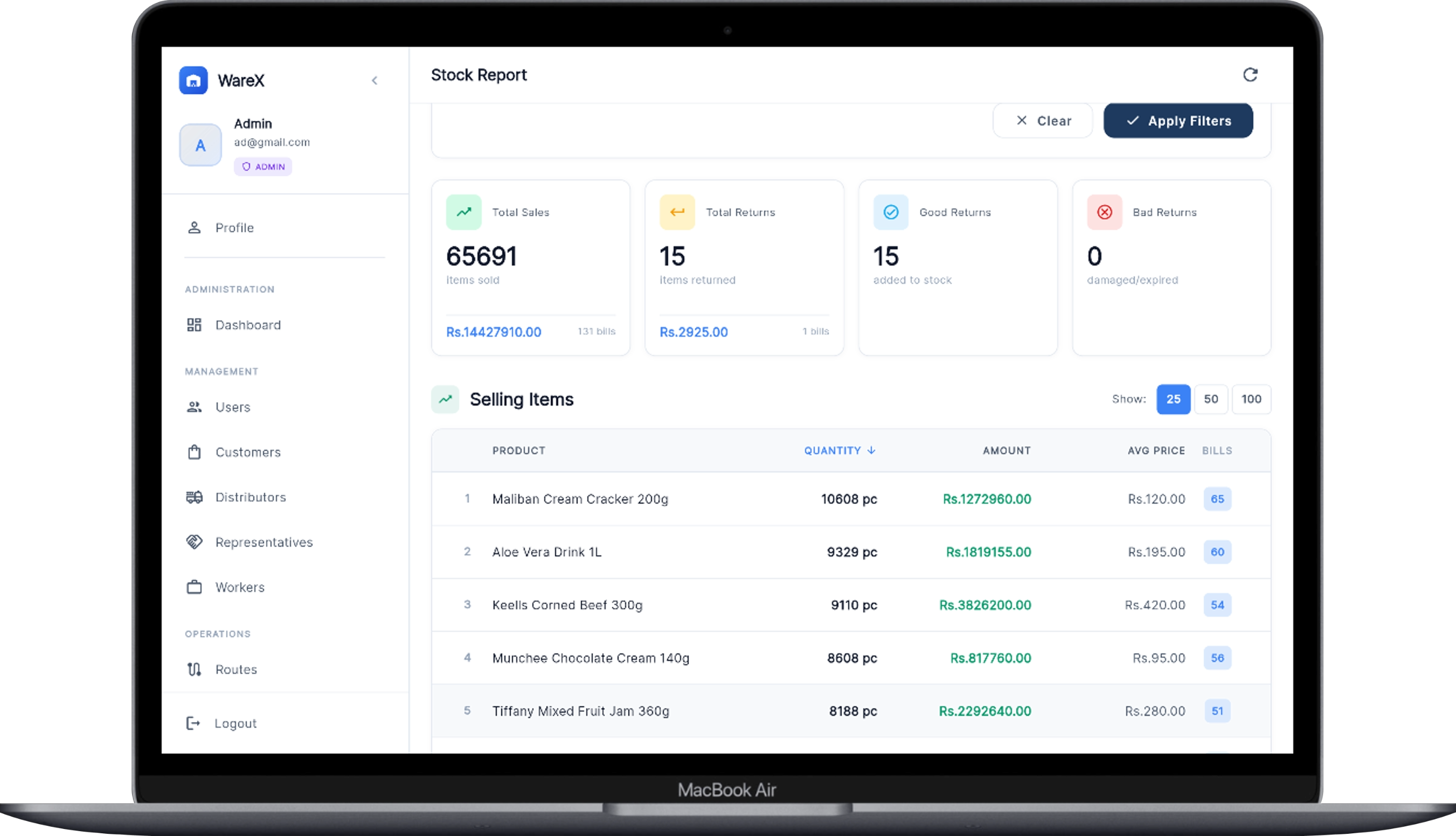 Stock report — find your most-selling products instantly